
01 · Why custom
Why Businesses Choose Custom CRM Over HubSpot, Salesforce or Zoho
Off-the-shelf CRMs are built to fit thousands of different companies at once, so every team ends up working around fields, workflows and pricing tiers that weren’t designed for them. As the team grows, so does the monthly per-seat bill, and the platform still doesn’t match how you actually sell.
Custom CRM development flips that. Instead of adapting your sales process to someone else’s software, I build the database, admin panels and automation around your real workflow. You own the source code outright, which is why custom software scales better than SaaS: no license fee that grows with headcount, and no vendor deciding which features you are allowed to have.
Custom development makes sense once you’ve outgrown what a template can do: multi-branch operations, non-standard sales stages, integrations off-the-shelf tools don’t support, or a monthly SaaS bill that’s growing faster than your headcount. For the bigger picture, see how CRM and AI automation drive business growth.
02 · Comparison
Custom CRM vs Off-the-Shelf CRM at a Glance
The short version, side by side.
| Feature | Off-the-shelf CRMHubSpot / Salesforce / Zoho | Custom CRMbuilt for you |
|---|---|---|
| Cost structure | Per-seat, scales with team size | One-time build, no per-seat fee |
| Workflow fit | Generic: you adapt to it | Built around your actual process |
| Data ownership | Hosted on the vendor’s platform | You own the source code and database |
| Customization | Limited to the vendor’s plugin ecosystem | Any feature you need |
| Multi-branch support | Often needs expensive add-on tiers | Built in from the start if needed |
| Long-term cost | Increases with users | Flat: only support / hosting costs |
03 · What I build
What I Build Inside a Custom CRM System
Every CRM is assembled from the modules your business actually needs. These are the building blocks I deliver most often.
Lead Management & Routing
Leads arrive from web forms, imports, ad platforms or manual entry and are assigned automatically by rules you define: territory, source, deal size or round-robin. No more leads sitting untouched in a spreadsheet.
Pipeline & Deal Tracking
Custom stages that match how your team actually closes deals, not a generic “Lead → Qualified → Won” default. Activity history, visibility into stuck deals, and status changes that trigger the right follow-up.
Multi-Tenant Architecture
For agencies, franchises or B2B SaaS products serving many client accounts on one platform, with full data isolation between tenants. The same architecture runs my production CRM.
Operations & Ticketing Modules
Job tracking, vendor management, SLA monitoring and approval workflows for businesses that have outgrown a simple deal-stage CRM.
HRM & Payroll Add-Ons
Attendance, leave requests and payroll inside the same system as your CRM, so HR and sales share one internal platform instead of paying for two tools that don’t talk to each other.
Integrations & Reporting
REST APIs and webhooks that connect the CRM to your marketing, accounting and mobile tools, plus dashboards built around the metrics your managers actually check.
Why invest in a custom CRM?
Lead scoring rules, follow-up triggers and reporting alerts where they save time, without stacking unnecessary AI layers on top of solid workflow design.
A CRM should not live in a silo. Secure APIs connect it with ERP tools, marketing systems, accounting software and external lead sources.
Stop paying per-user monthly SaaS fees that multiply as you grow. You own the source code, control your data privacy and scale without penalty.
04 · Who it’s for
Custom CRM Development for These Industries
CRM architecture isn’t one-size-fits-all: a real estate lead pipeline looks nothing like a field service ticketing system. This is where most of my custom CRM work has been.
High-volume lead assignment, follow-up tracking and agent performance dashboards. Similar to the real estate portal I built.
Multi-client data isolation, per-account pipeline reporting and role-based access.
Vendor ticketing, job status tracking and SLA monitoring across teams.
HRM, payroll and admin portals running alongside CRM data in one system.
- You run multiple branches or teams
- Your sales stages aren’t standard
- You need integrations SaaS tools don’t support
- Your per-seat bill is outgrowing your headcount
- You’re a 3-person team just getting started
- A free HubSpot tier already covers your process
05 · Process
How a Custom CRM Development Project Runs
Four phases, with working software in your hands early and often.
- 01Workflow Audit
Before any code is written, I map how leads currently enter your system, who touches them, and which reports your managers actually pull. Most scoping mistakes happen when this step is skipped.
- 02Data & Permission Design
Database schema, role-based permissions, tenant boundaries and integration points are planned upfront. This is what makes the system hold up once real users are on it, not just a demo.
- 03Iterative Build
You see working software every 1–2 weeks: lead routing, dashboards and core modules you can test against real scenarios, not a single reveal at the end of the project.
- 04Launch & Handover
Deployment, staff training and full documentation, so you are not dependent on me for every small change after launch.
Basic MVP with lead management and role-based access: about 4–6 weeks. Multi-tenant enterprise CRM with real-time reporting and integrations: about 3–5 months.
06 · Tech stack
Technology Behind the CRMs I Build
Built on Laravel for a secure, maintainable core that your own team or any PHP developer can extend later.
07 · Proof
Production CRM Proof, Not a Demo
My flagship build is a multi-tenant CRM handling 1.5M+ leads with 300+ concurrent daily users in production, plus ticketing and HRM portals running in the same enterprise stack.
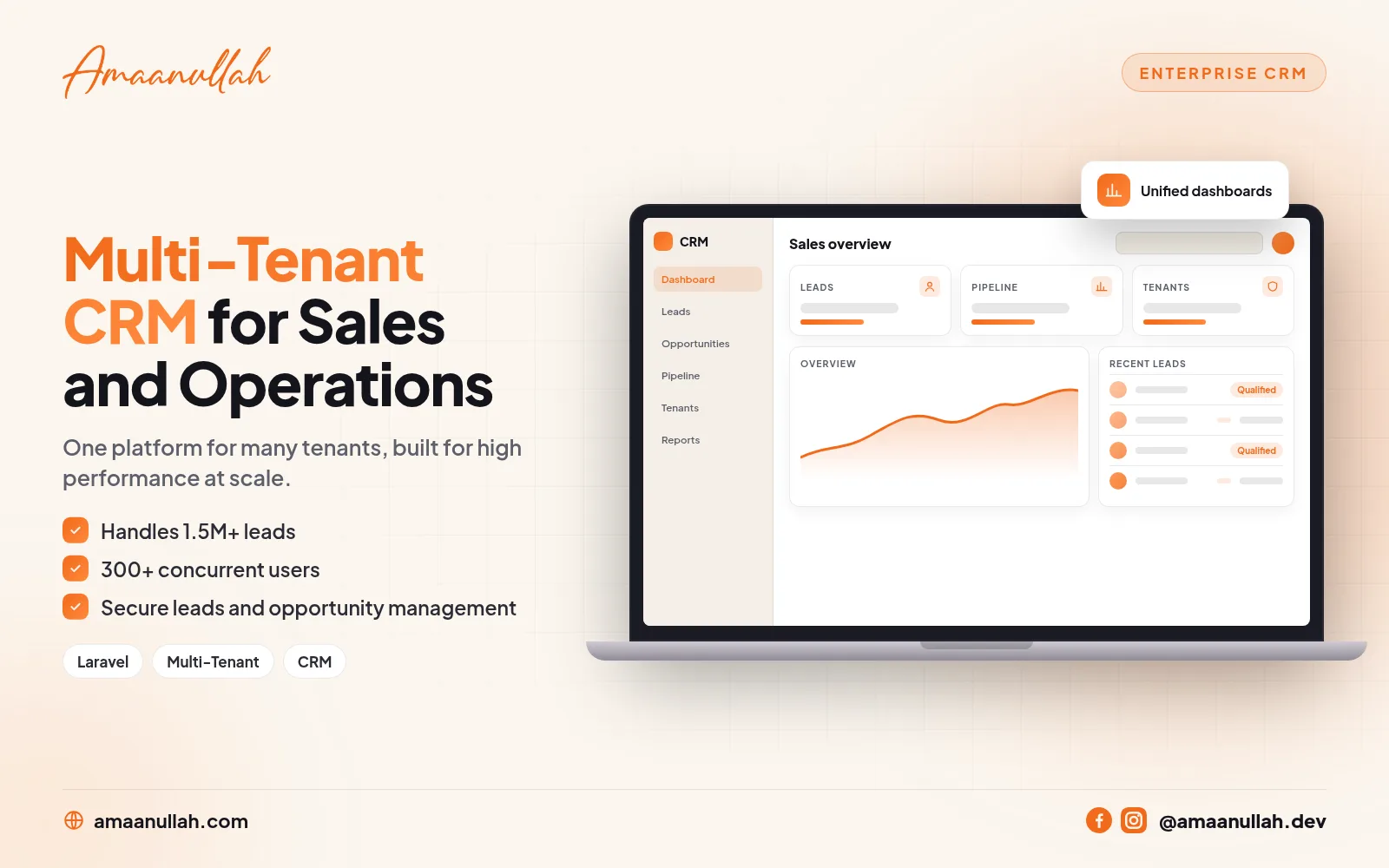
Multi-Tenant CRM case study
1.5M+ leads · 300+ concurrent daily users
Read case study →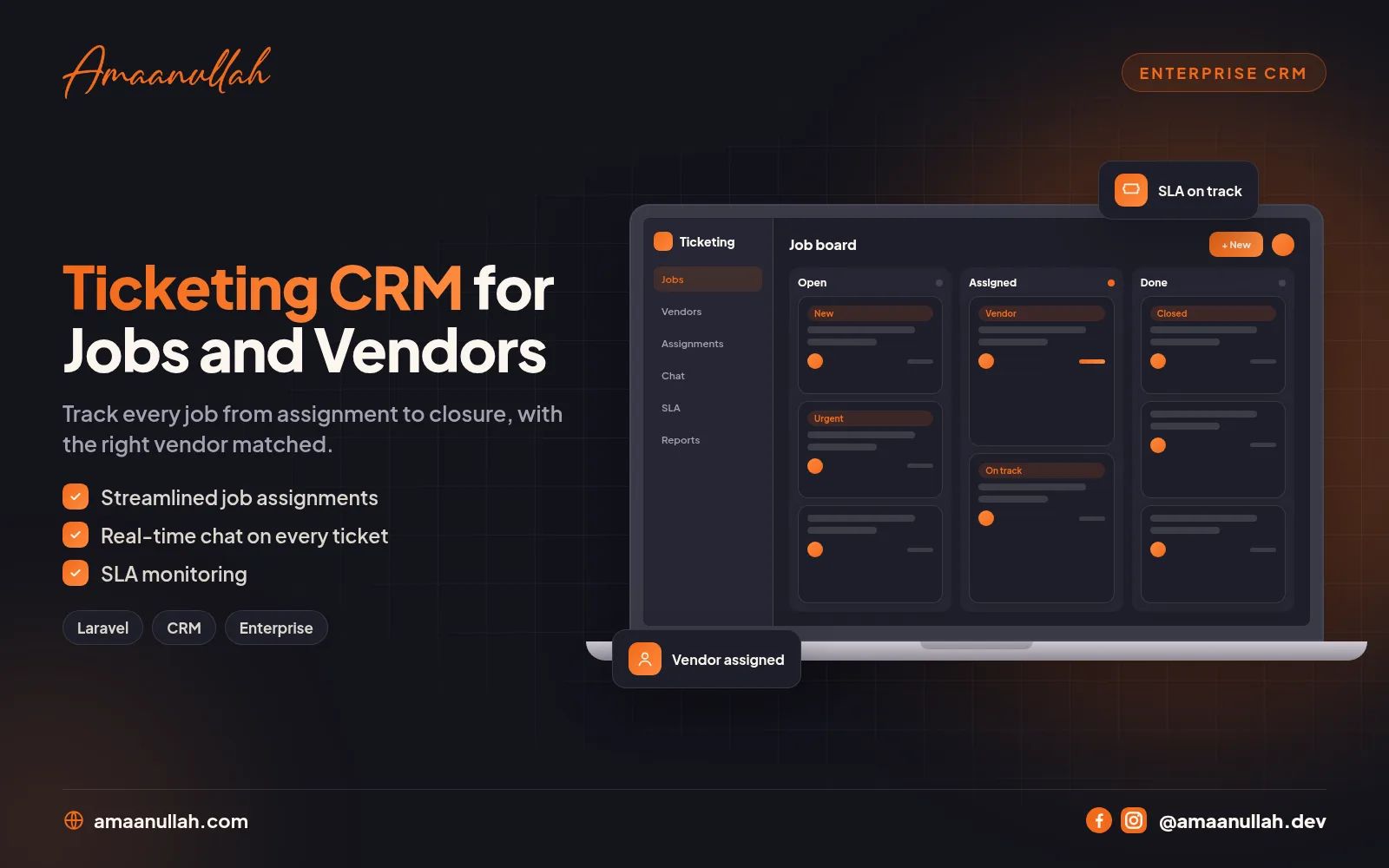
Ticketing CRM case study
Vendors · SLA · workflows
Read case study →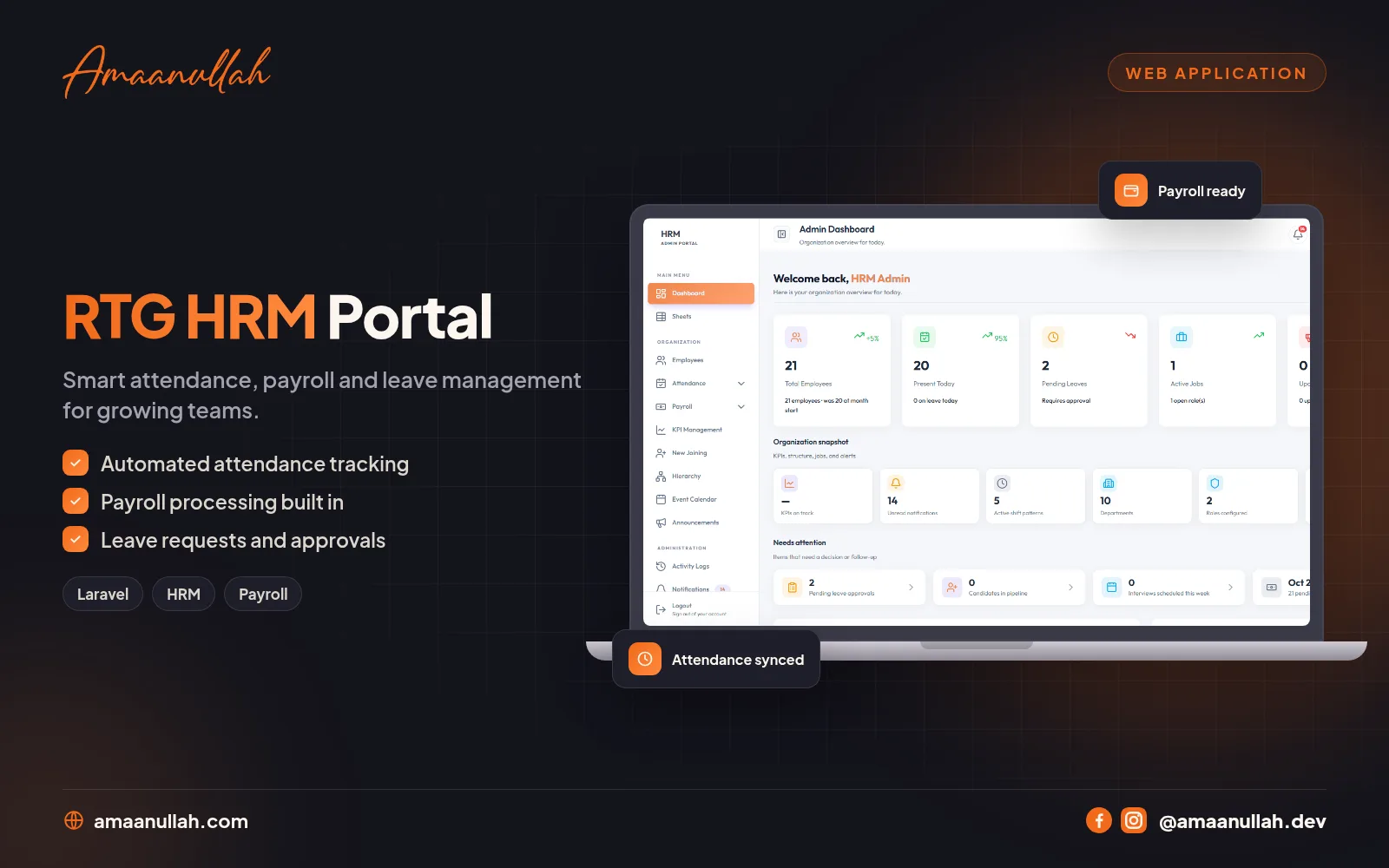
HRM & Payroll Portal case study
Attendance · payroll automation
Read case study →Looking for a local engagement? See CRM Developer in Pakistan or Laravel developer in Karachi.
08 · FAQ
Custom CRM Development FAQ
How much does custom CRM development cost?
Custom CRM development typically costs $2,500–$15,000+, depending on the number of users, features and integrations required. A basic MVP with lead management and role-based access usually takes 4–6 weeks. A multi-tenant enterprise CRM with real-time reporting and integrations takes 3–5 months. I give an exact quote after a short discovery call; no cost estimate goes out without understanding your actual workflow first.
Why build a custom CRM instead of using HubSpot or Salesforce?
Off-the-shelf CRMs are built for thousands of companies at once, so your team works around fields, workflows and pricing tiers that weren’t designed for it, and the per-seat bill grows with your headcount. A custom CRM is built around your actual workflow, with no per-seat license fee and no vendor deciding which features you can have. For a small team just getting started, a free HubSpot tier is often the better choice.
Can you integrate AI into our CRM?
Yes, every project includes complete source code ownership and documentation.
Will we own the CRM software?
Yes. With custom development you own the source code and the database outright, control your data privacy, and are not tied to a vendor’s pricing or roadmap. Handover includes staff training and full documentation.
Can you migrate our data from Salesforce, Zoho, or HubSpot?
Yes, every project includes complete source code ownership and documentation.
Do I need my own servers?
Yes, every project includes complete source code ownership and documentation.