
01 · Why an audit
Why Start With a Free Technical Audit
When a system feels slow or unreliable, it’s hard to know whether the fix is small or whether something bigger is wrong. Guessing often means money spent in the wrong place.
The free technical audit gives you an outside view. I review your current site, CRM or internal tool and point out what’s actually slowing it down, in plain language.
You can act on the findings with your own team, another developer or me. For hands-on fixes, see Performance Tuning.
02 · Comparison
Free Audit vs Guessing at the Problem
The short version, side by side.
| Feature | Guessingtrial and error | Free auditoutside review |
|---|---|---|
| Cost | Money spent on the wrong fixes | No cost |
| Clarity | Unclear what’s really wrong | Findings in plain language |
| Priorities | Everything feels urgent | Issues ordered by impact |
| Obligation | None, but no answers either | No obligation |
| Next steps | Unclear | Clear options you can act on |
| Who fixes it | Whoever is available | Your team, another developer or me |
03 · What I review
What I Review
The review focuses on the areas that most often cause slowdowns and instability.
Speed & Load Times
How quickly pages and screens load, and what’s holding them back.
Database & Queries
Slow queries and data structure issues that affect performance.
Security Basics
Obvious gaps such as outdated packages or exposed settings.
Code Structure
Areas of the codebase that make changes slow or risky.
Hosting Setup
Whether the server setup fits your current traffic.
Workflow Fit
Where the system makes your team work around it.
Why claim a free audit?
The review is free.
You decide what, if anything, to do next.
No pressure to hire me afterward.
04 · Who it’s for
Who the Free Audit Is For
Useful for any business that relies on a site or system that isn’t performing well.
An honest outside view of the system you depend on.
Finding out why internal tools feel slow.
Checking what affects load times and stability.
Checking whether a rebuild is really needed before paying for one.
- Your site, CRM or tool feels slow
- You’re unsure whether to fix or rebuild
- You want an outside opinion before spending
- You need clear priorities
- You already know exactly what needs fixing
- There’s no existing system to review yet
05 · Process
How the Free Audit Works
Four simple steps.
- 01Get in Touch
Tell me about your system and the problems you’re seeing.
- 02Access & Review
I review the system with whatever access you’re comfortable sharing.
- 03Findings
You receive a summary of what’s slowing it down, ordered by impact.
- 04Your Decision
Act on it however you like, with no obligation to hire me.
48-hour delivery as a detailed PDF report and Loom screen walkthrough
06 · Areas covered
Areas Covered
The review covers sites, CRMs and internal tools, with the deepest coverage on PHP and Laravel systems.
07 · Proof
Related Work
The audit draws on experience building and running production systems such as a multi-tenant CRM handling 1.5M+ leads with 300+ concurrent daily users.
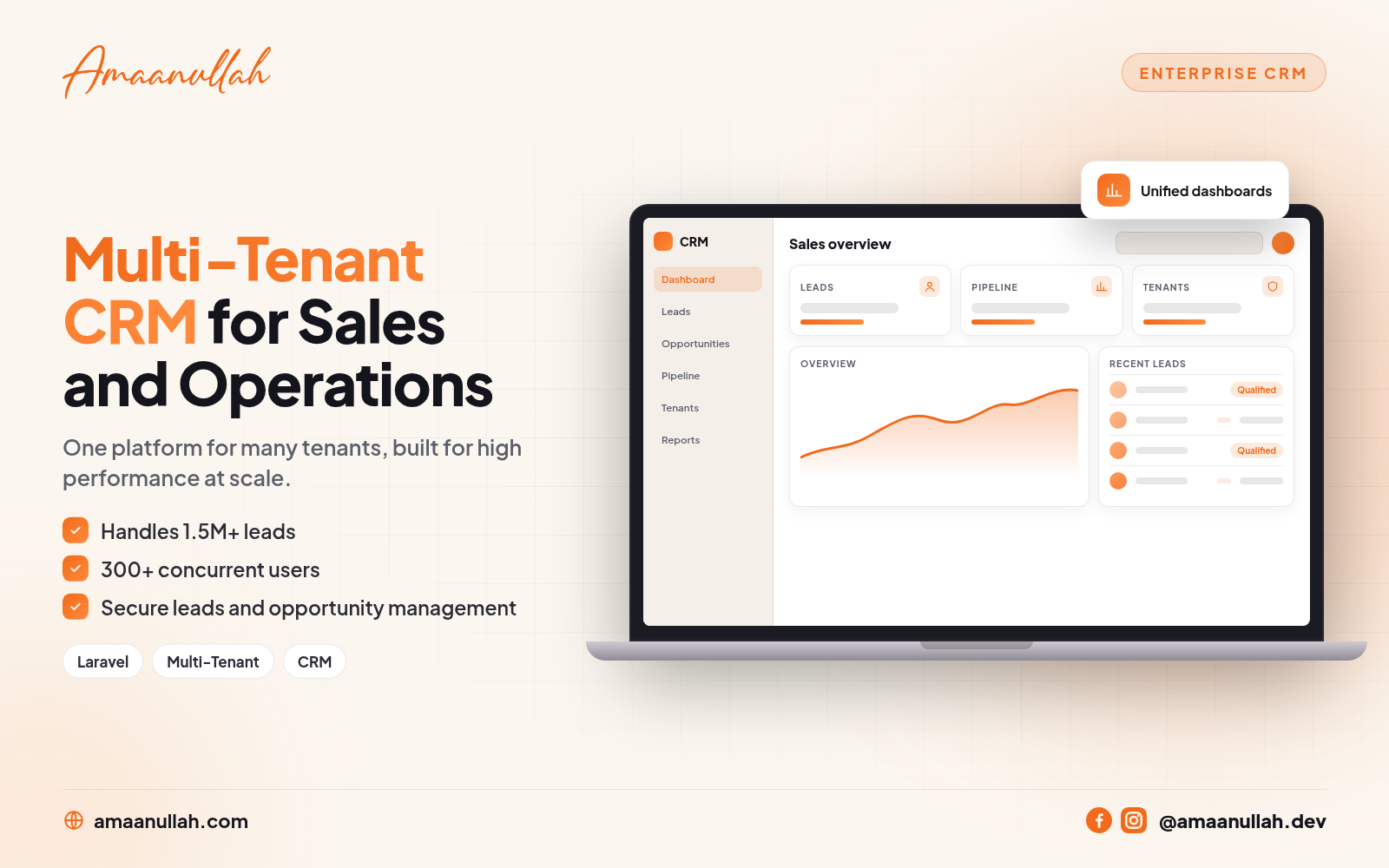
Multi-Tenant CRM case study
1.5M+ leads · 300+ concurrent daily users
Read case study →
Ticketing CRM case study
Vendors · SLA · workflows
Read case study →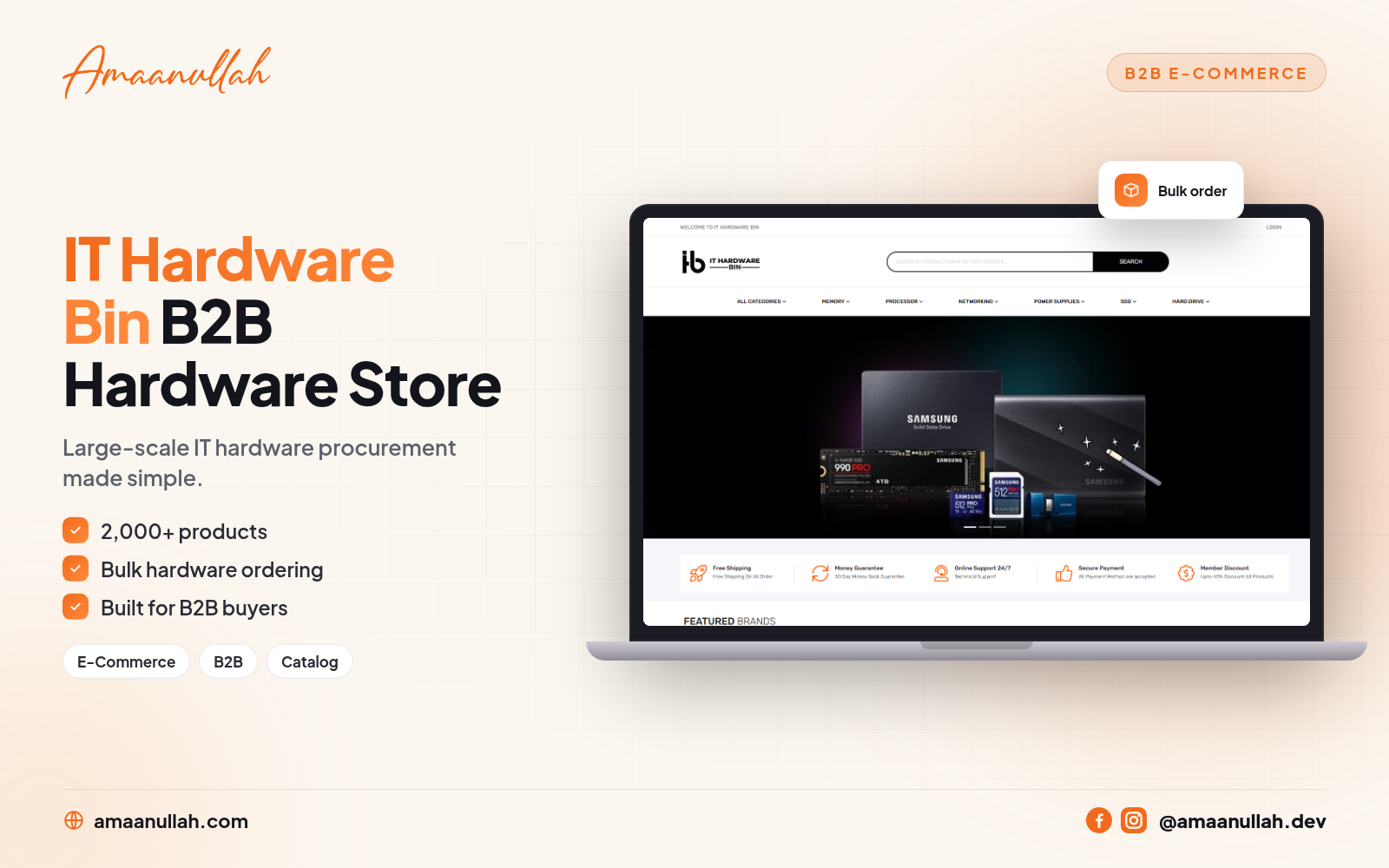
IT Hardware Bin case study
2,000+ products
Read case study →Looking for a local engagement? See Laravel developer in Karachi or full-stack developer in Karachi.
08 · FAQ
Free Technical Audit FAQ
Is the technical audit really free?
Yes. There’s no cost and no obligation.
Do I have to hire you afterward?
No. There’s no pressure to hire me afterward. You can act on the findings with your own team or another developer.
What systems can you review?
Your current site, CRM or internal tool, with the deepest coverage on PHP and Laravel systems.
What access do you need?
Yes, I work directly with you throughout the project with regular milestones and written updates.